

Ergo mouse.
Hi everyone. I need a new ergonomic mouse for work and I'd love to hear whats worked for people and why. I am also wondering if its time to switch to a trackball?

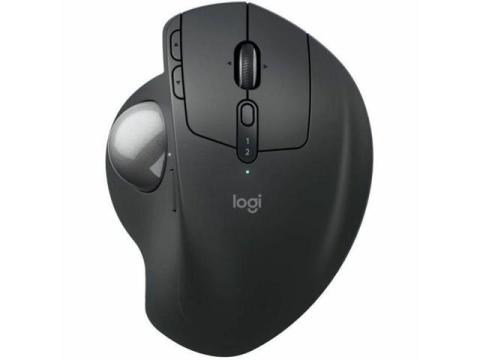
If you want to go with Trackball, this one is ideal for you
Logitech MX Ergo S Plus Advanced Wireless Trackball Mouse, USB-C Rechargeable Wireless Ergonomic Mouse With Bluetooth and Encrypted Dongle, 6 Programmable Buttons, for PC/Mac (Graphite) - Optical - Wi

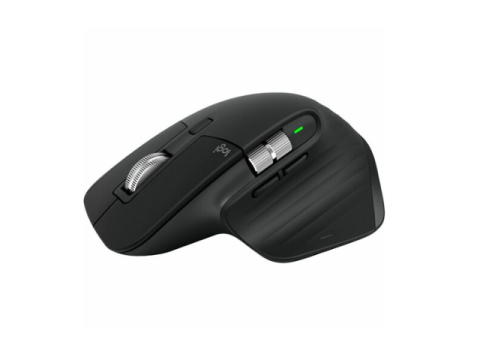
Skip the trackball--this is the ultimate work mouse!
Hey Tasha! To answer your trackball question first: they are great for wrist pain, but they have a pretty steep (and frustrating!) learning curve.
If you want top-tier ergonomic comfort right out of the box without having to completely relearn how to use a mouse, the Logitech MX Master 3 is the absolute gold standard for work.
Here is why it works so well for people: Instead of being completely flat or completely vertical, it sits at a perfect, slight angle. It has a massive, comfortable thumb rest so your thumb isn't dragging on the desk all day, which naturally relaxes your whole hand. As a bonus for work, it has a horizontal thumb-scroll wheel which is a total lifesaver if you deal with spreadsheets or wide documents! It falls perfectly into your budget and your hand will thank you.

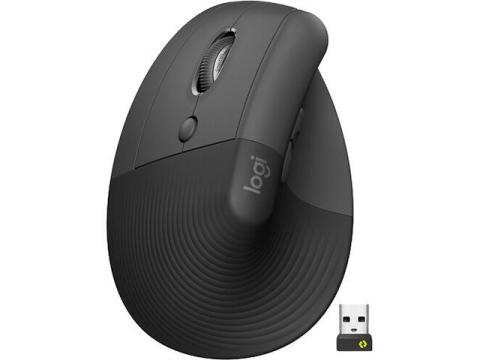
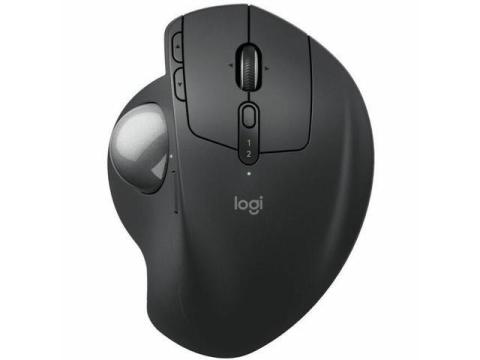
Ergonomic Mouse
The one you should choose is the Logitech Lift Vertical Ergonomic Mouse.
It hits the sweet spot. It keeps your hand in a natural “handshake” position, which reduces wrist strain and improves posture without forcing you to relearn how to use a mouse. Vertical designs are specifically built to reduce muscle strain and wrist pressure compared to traditional mice . This one also has quiet clicks, good battery life, and just works for long work sessions.
If you want premium instead
If you’re willing to push closer to your max budget, the Logitech MX Vertical is the higher-end version. It’s larger, more premium, and designed to reduce strain further with a 57° angle and less hand movement . Go for this if you have bigger hands or want something more substantial.
Straight recommendation
Get the Logitech Lift unless you specifically want to experiment. Trackballs are a niche solution. Vertical mice are the safe, proven upgrade for everyday work.

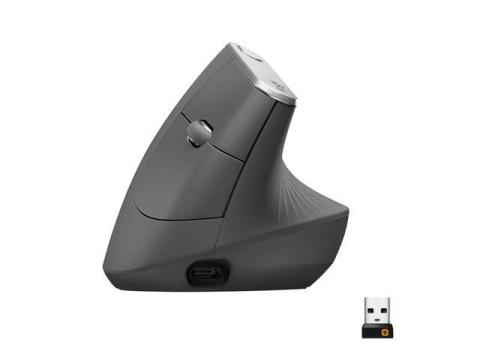
Logitech MX Vertical Wireless Ergonomic Mouse
The Logitech MX Vertical Wireless Ergonomic Mouse is built for people who spend hours on their computer and are tired of wrist strain slowing them down. Instead of forcing your hand into a flat position like traditional mice, it uses a natural 57° vertical angle that keeps your wrist in a more relaxed, handshake position. This simple change helps reduce muscle strain and makes long work sessions feel much more comfortable.

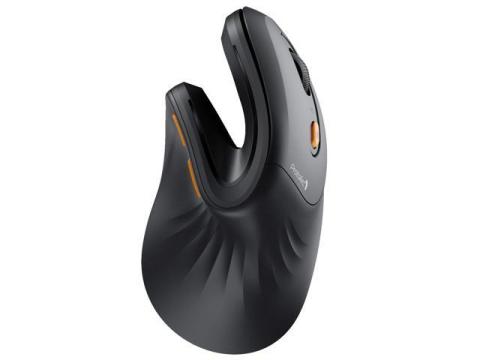
vertical mouse best for overall use
A vertical mouse is an ergonomic computer mouse designed to keep your hand in a more natural “handshake” position instead of the flat palm-down posture of a traditional mouse. This simple change helps reduce strain on the wrist and forearm during long hours of work.
Its upright design encourages better alignment, which can ease discomfort caused by repetitive movement or poor posture. Most users notice that after a short adjustment period, scrolling and clicking feel more relaxed and less tiring.
Overall, a vertical mouse is a practical choice for anyone looking to improve comfort and reduce wrist stress while using a computer daily.
5/1/2026
The most ergo mouse ( personally i use it )
Rapoo MT760L Wireless Bluetooth Mouse, Ergonomic Design, 4 Adjustable DPI, 8 Programmable Buttons, 90 Days Battery Life, Matte Black
About this item