
11/13/2025


4/11/2026
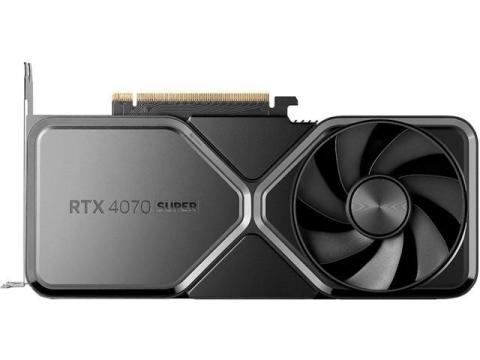
1. NVIDIA RTX 4070 Super
It is generally 5–10% faster than the 7800 XT and offers superior features for your "occasional productivity." NVIDIA’s **NVENC encoder** is the gold standard for video work, and **DLSS 3.5 (Frame Gen/Ray Reconstruction)** provides better longevity for demanding future games.
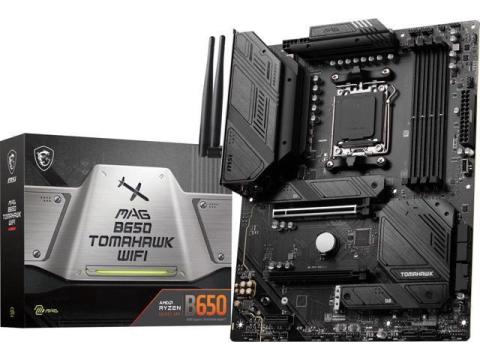
2. MSI MAG B650 Tomahawk WiFi
B650 boards handle the 7700X perfectly. The "E" (Extreme) variant of B650 is the "future-ready" sweet spot because it includes **PCIe 5.0** support for your next GPU or SSD upgrade.
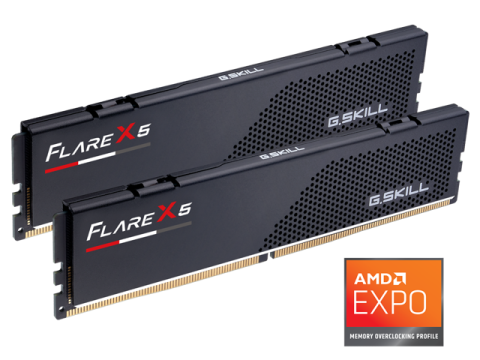
3. G.Skill Flare X5** (low profile, fits under air coolers)
Ensure the kit supports **AMD EXPO** for one-click overclocking in the BIOS. Anything faster than 6000MT/s often leads to stability issues on the AM5 platform without manual tweaking.
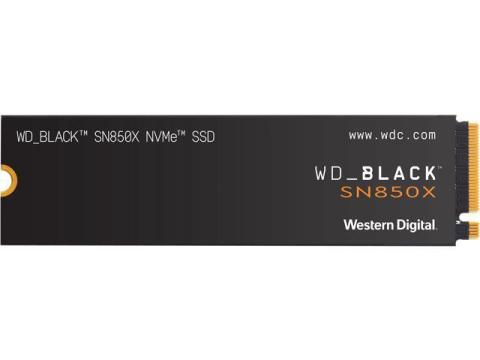
4. WD Black SN850X (2TB)
I recommend starting with a single **2TB NVMe SSD**. 1TB fills up surprisingly fast with modern games and RAW photo files.
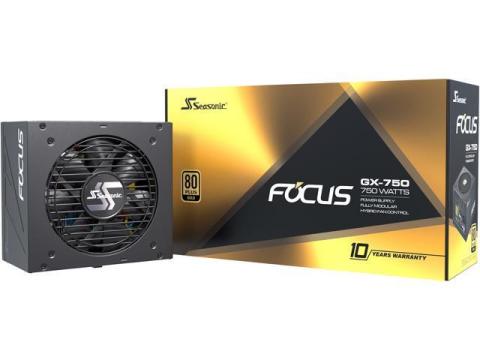
5. Seasonic Focus GX-750
80+ Gold, famously quiet, and come with a 10-year warranty. 750W is more than enough for this build, but you can jump to 850W if you want extra headroom for a massive GPU upgrade in 4 years.

3/30/2026
Short answer: Yes, everything is compatible.
2. BIOS update (important!)
This is the only real “watch out” item.
That means:
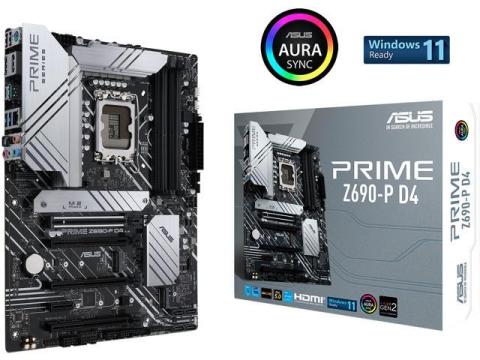
ASUS Prime Z690-P D4 LGA 1700 (Intel® 12th&13th Gen
Not a problem
But assume you will need to update BIOS
3. PSU — perfect choice
Your 750W Gold PSU:
No changes needed.
4. RAM — 32GB question
Verdict:
Not overkill
Smart, future-proof choice
Especially good with a strong CPU/GPU like yours
5. Minor things to double-check (small but useful)
6. One optional improvement (not required)
If pricing is close in your region:
Consider B760 or Z790 instead of Z690
But:
9/27/2025
Hey, nice first build! Everything looks compatible. Your i5-13600K and MSI Z690-A DDR5 combo is solid, but the motherboard might need a BIOS update for the 13th Gen CPU.
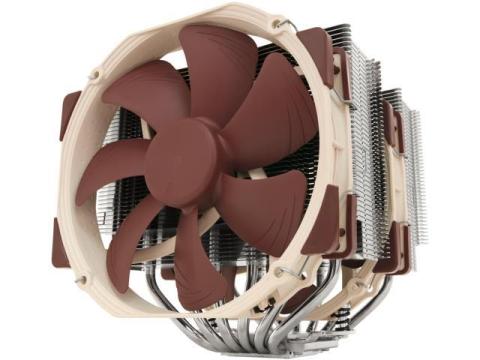
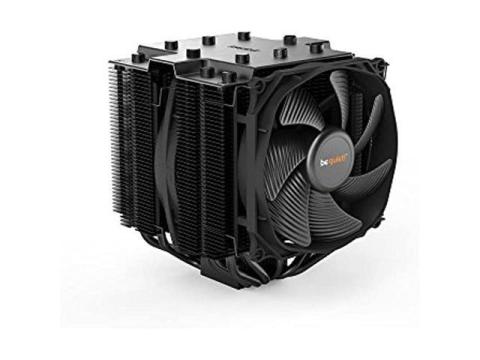
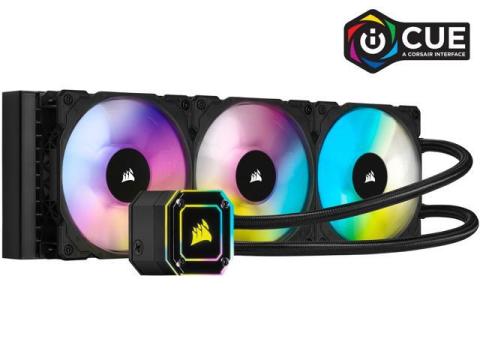
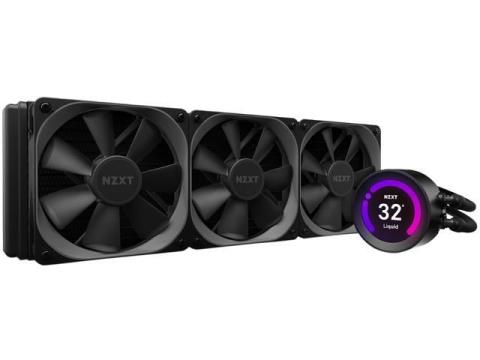
32GB RAM is more than enough for gaming and great for future-proofing. The Peerless Assassin cooler is decent, but if you push the CPU hard, I might consider a stronger cooler like the Noctua NH-D15 or be quiet! Dark Rock Pro 4. If you are more into aesthetics and efficient cooling in a compact form factor, the Corsair iCUE H150i Elite Capellix or NZXT Kraken Z73 RGB. I added some links to possible coolers below. Your RX 7800 XT is perfect for 1440p gaming, and the Lian Li Lancool 216 has great airflow. PSU and storage are both solid choices.
It looks like you are almost good to go!
9/27/2025
To achieve smoother 1440p gaming, upgrading your GPU is the most impactful change. Your Ryzen 5 2600 will still handle newer titles well, especially with a more powerful GPU.
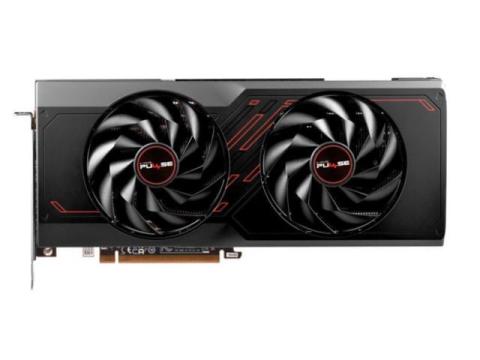
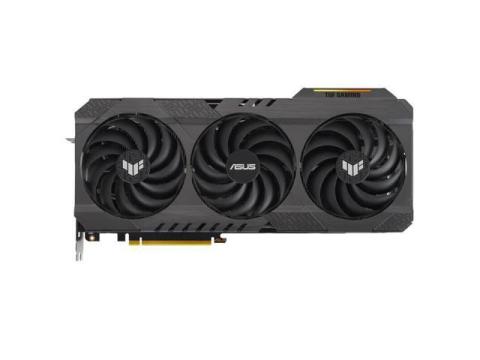
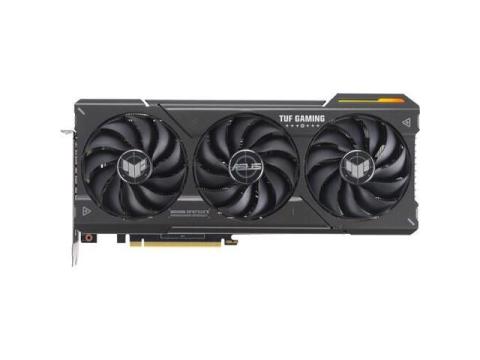
The recommended GPUs are linked below. Sapphire PULSE Radeon RX 7700 XT 12GB GDDR6 is a solid choice for 1440p gaming, offering excellent performance at a competitive price OR ASUS GeForce RTX 4070 Ti SUPER TUF Gaming OC Graphics Card provides top-tier performance with features like ray tracing and DLSS 3, ideal for high-quality gaming experiences.
After upgrading the GPU, monitor your system's performance. If you notice any bottlenecks or performance dips, consider upgrading your CPU or adding more RAM.
9/27/2025
Upgrading your CPU first is a smart move, especially for 1440p gaming. Your Ryzen 5 2600 is a solid processor, but newer CPUs offer significant performance improvements that can enhance your gaming experience.
Recommended CPUs:
3/26/2026

3/18/2026
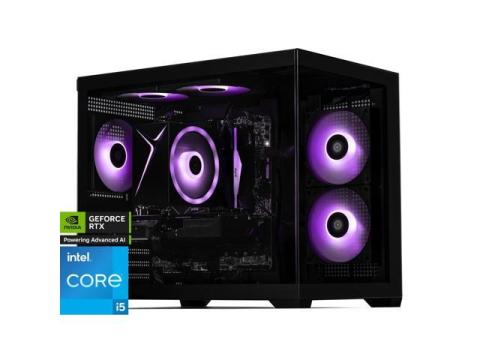
I recommend this pre built pc from newegg, Has good CPU and GPU combo.
Specs:
9/27/2025
Perfect! Since you want a discrete GPU but still prioritize quiet operation, I’d focus on a GPU with a good cooler and fan curve, like a blower-style or dual-fan card with quiet fans. For the case, a mid-tower with sound-dampening panels or well-ventilated airflow like the Fractal Define series could work nicely.
9/27/2025
Looks like a really solid $1200 build . The i5-13400F + 32GB DDR5 and 1TB Gen4 NVMe are right on point, and the NZXT H5 Flow
gives you great airflow. The RX 7700 XT is a sweet spot for 1440p, but if you care about ray tracing/DLSS, stretching to something like the ASUS TUF RTX 4070 SUPER
could be worth it.
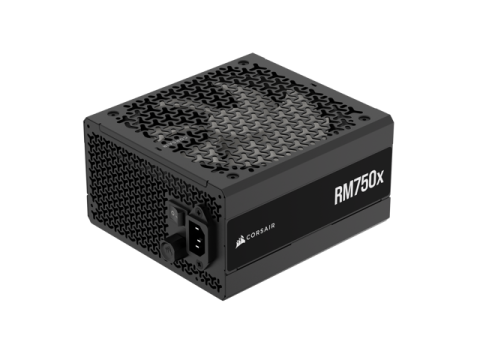
Between B660 and B760, both work fine, just grab the board with better VRMs/features for the price. Only other tweak I’d suggest is bumping PSU to a 750W Gold (Corsair RM750e) for extra upgrade headroom. Otherwise, you’re in great shape. I added some links below!!

4/30/2026
If you're looking for performance, Option A is your best bet.
On the other hand, Option B has advantages in terms of upgrade path because you're on the AM5 platform.
Oh, just a reminder,
Please make sure to upgrade your BIOS to avoid the "Vmin Shift Instability" that Intel reported with 13th and 14th Gen. chips.
Please also make sure your RAM is certified to run on XMP and EXPO to make sure you make full use of the 6000Mhz speed.
9/19/2025
How long do you plan to keep this build before upgrading again? That could make a big difference in whether Option A or B is smarter long-term.
4/30/2026
I think your PSU should be fine so long as you don't plan on doing any overclocking on your CPU or GPU. But 650w seems a bit low, especially if you plan to replace your GPU sometime in the future. I guess the question is, are you looking to keep playing at 1080p high/1440p low? If not, going higher like 750w (for a 4070) or 850w (for 9070) might be better options for future proofing.

9/24/2025
Can I ask why you chose that PSU? You're going to have issues with that card and CPU with that PSU. Minimum wattage should be 700.
4/17/2026
GIGABYTE Eagle GeForce RTX 5060 Ti 16GB GDDR7 PCI Express 5.0 x8 ATX Graphics Card GV-N506TEAGLE OC-16GD
(100)
|icon_Camera2(29)
GIGABYTE Eagle GeForce RTX 5060 Ti 16GB GDDR7 PCI Express 5.0 x8 ATX Graphics Card GV-N506TEAGLE OC-16GD
4/2/2026
Since you're considering the 7800 XT, I'd actually recommend looking at the 7900 GRE (Golden Rabbit Edition) instead. It often sits right at the $540 mark and beats the 7800 XT handily.
3/18/2026
Hi! by the way where are you from? maybe you can extend your budget a little more if you are thinking of buying a new GPU for 1440p , $600 is enough for A 7800xt but not for A 4070 super, if you consider the 7800xt it doesn't support the new upscaling tech of AMD which is FSR4, But with an Nvidia RTX 4070 super it will support DLSS 4 which has great AI upscaling tech. Both gpu's will not bottleneck your system at 1440p resolution.
9/19/2025
Hey! That looks like a solid starting point. For 1080p, I’d actually lean a bit more toward the RTX 4060 Ti if you want really smooth frame rates in newer AAA titles. It should handle high settings comfortably and give you some room for the next few years.
Some tweaks I’d suggest:
Overall, the build looks great!!
9/19/2025
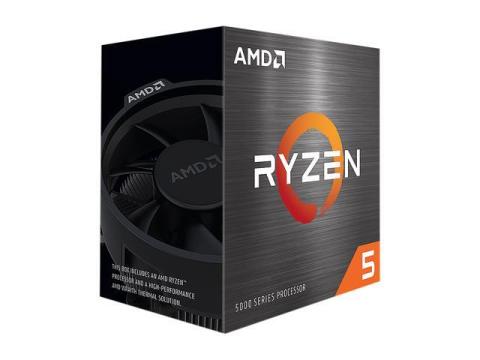
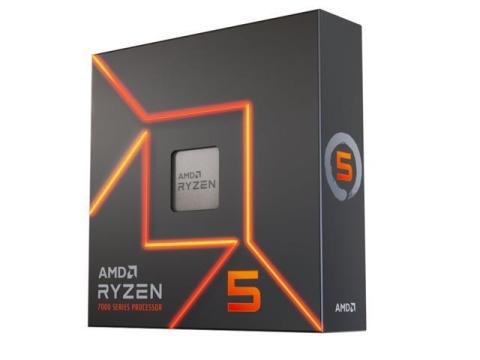
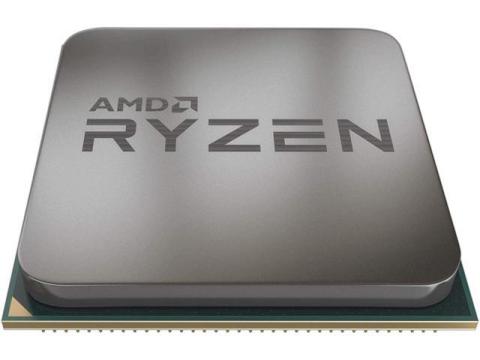
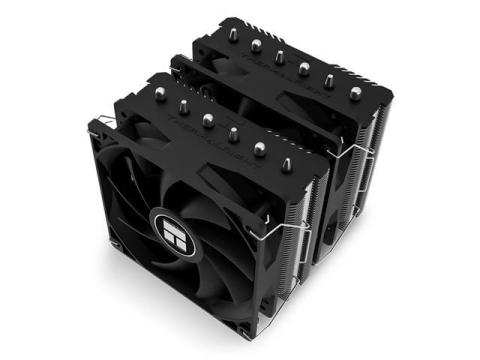
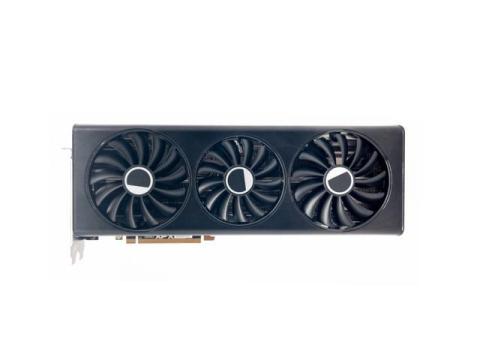
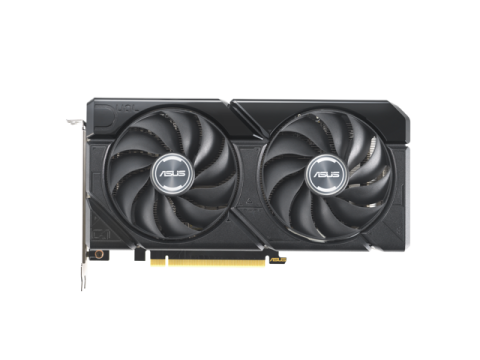
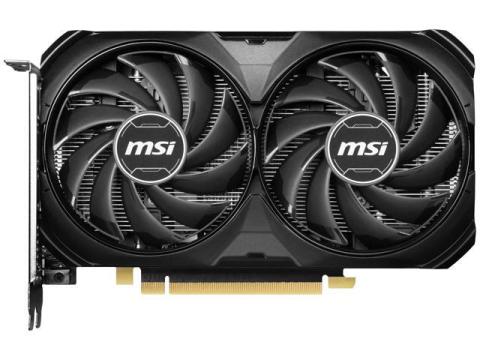
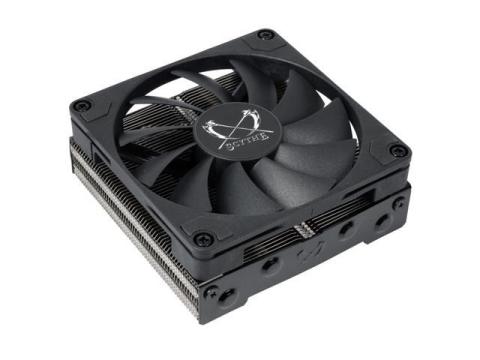
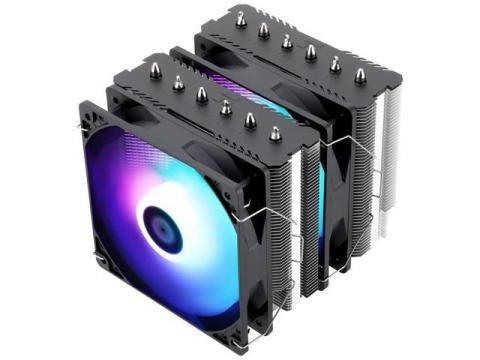
Here are a few thoughts I had about your build. Firstly, the CPU - Ryzen 5 7600 is perfect! The PSU - 650W Gold is plenty, but if you think you might upgrade the GPU in a couple of years, you could go 750W for some extra headroom... Lastly with cooling - stock cooler on the Ryzen 5 7600 is okay, but a small aftermarket cooler (options below) could help keep temps lower and reduce fan noise! Either GPU will crush 1080p gaming, just pick based on price and what’s available. The rest of the build seems well-balanced!



11/19/2025
Hey there!Your build is well…
Hey there!
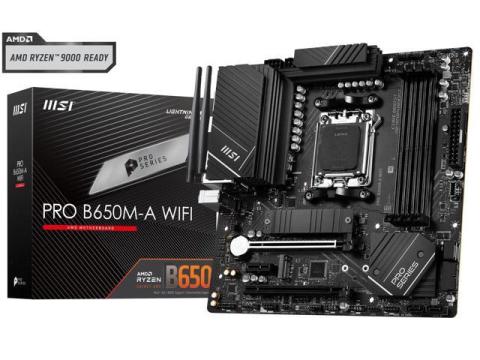
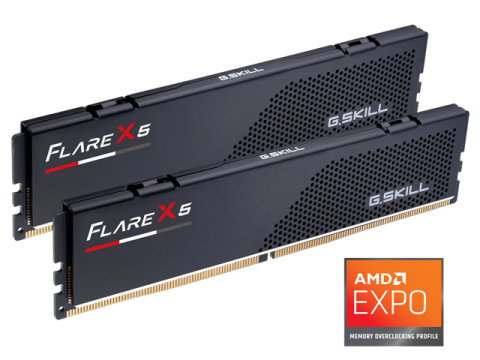
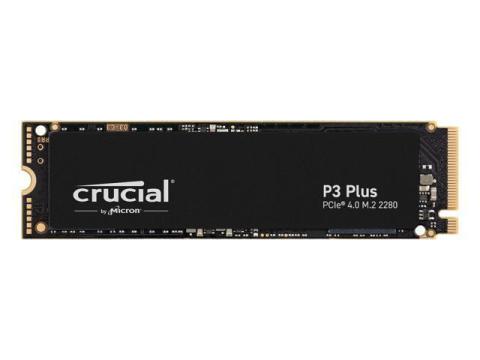
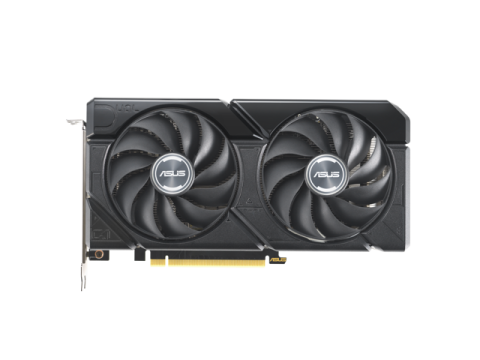
Your build is well-balanced and should serve you well for 1440p gaming and light editing. Here's a detailed breakdown with some tweaks I would recommend:
Breakdown
A solid choice for gaming and light editing. Its 10 cores (6P+4E) offer excellent multitasking capability. Paired with 32GB of RAM, it ensures smooth performance.
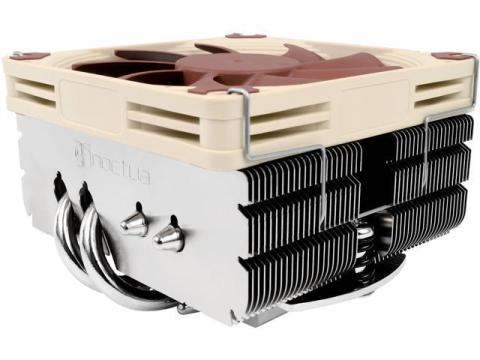
Adequate for the i5-13400F. However, if you plan to overclock or desire lower temperatures, consider upgrading - see options below.
A strong contender for 1440p gaming. While it performs well, exploring alternatives like the RTX 4070 might offer better value, especially if you prioritize ray tracing.
A reliable motherboard with built-in WiFi and PCIe 4.0 support.
Plenty for gaming and multitasking. No upgrades needed unless you find a better deal!
Fast and reliable storage solution. Consider adding a secondary HDD for mass storage if needed.
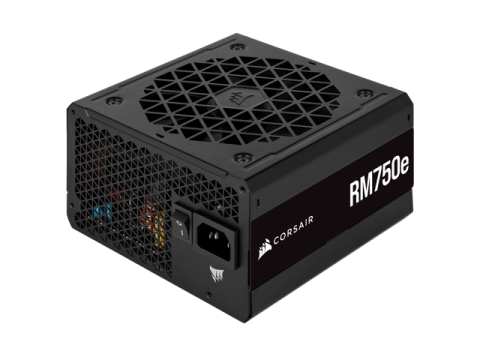
A high-quality PSU with ample headroom for future upgrades.
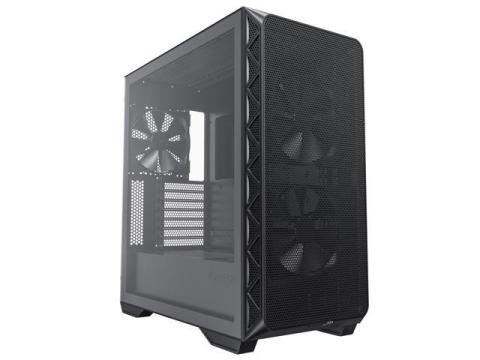
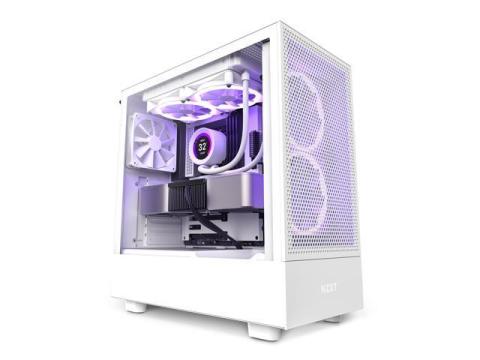
Offers excellent airflow and a sleek design. Ensure it fits your GPU dimensions.
Possible Tweaks
Overall, your build is well-balanced and should serve you excellently for 1440p gaming and light editing. The suggested upgrades are optional and depend on your specific needs and preferences. Always ensure compatibility between components before purchasing.